
Getting Started
Request access, and once you’re invited, build your otter and take your first steps onto the island in just a few minutes.
Help & Support
Stuck on something? Our ranger otters have your back. Find quick answers, getting-started tips, and friendly support for campers, parents, and teachers.
Browse by topic
Pick the cabin that matches your question. Each one is packed with guides written for real campers and the grown-ups who love them.
Request access, and once you’re invited, build your otter and take your first steps onto the island in just a few minutes.
Trouble signing in, forgotten passwords, and keeping your camper profile safe and sound.
How we moderate chat, protect kids’ data, and put parents in control. See our full Safety promise.
Otter Island is in a private beta. Here’s what’s included and how access works during the pilot—no surprises.
Devices, browsers, loading hiccups, and the quick fixes that get you back to the adventure fast.
Classroom setup, learning goals, and managing your campers. Visit the Parents & Educators hub.
First day at camp
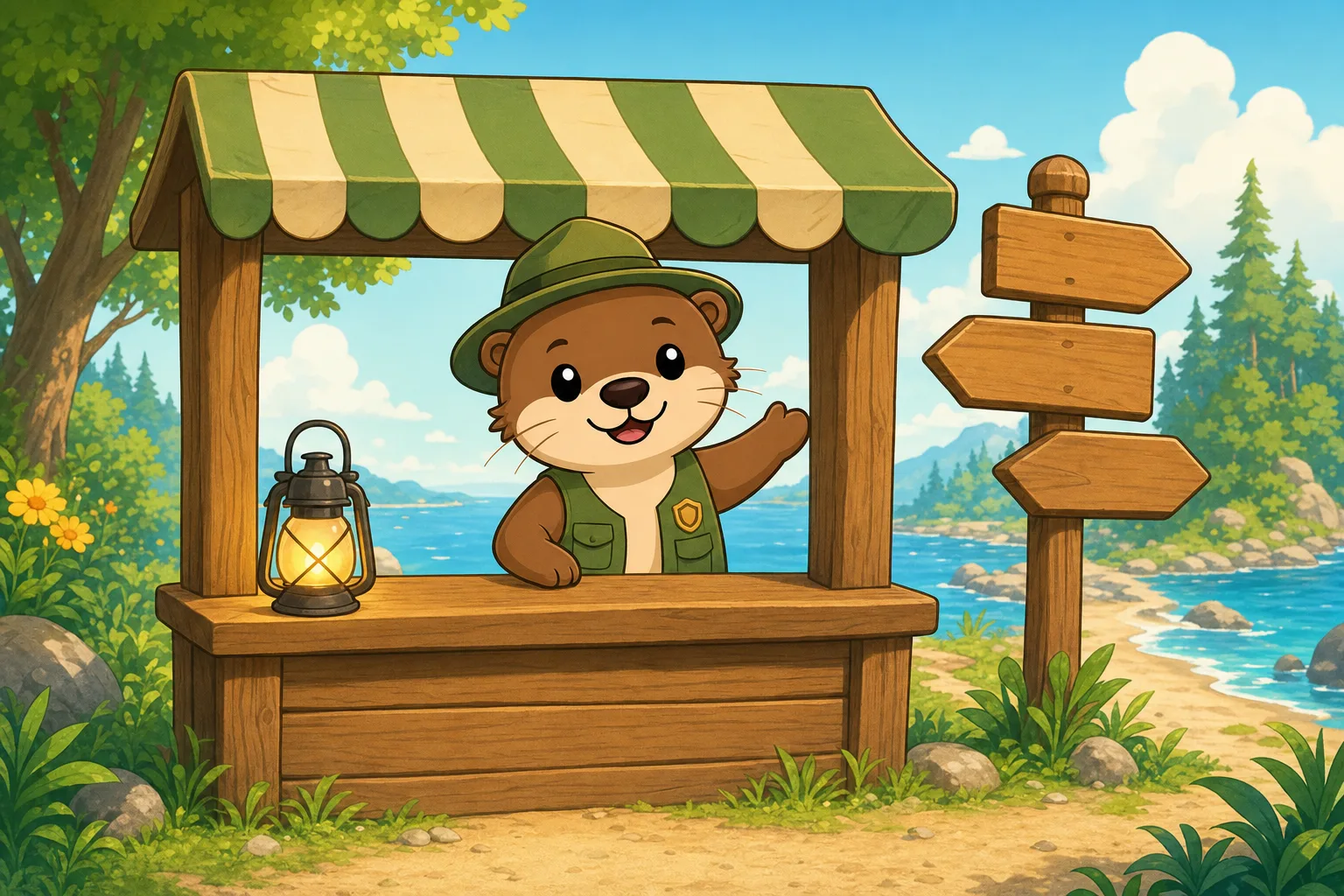
You can be exploring the island in about five minutes. Our help ranger walks every new camper through the basics—no manual required.
Three little steps
Here’s the whole journey, start to finish—short enough for an excited six-year-old to remember.
Request access and, once you’re in, a grown-up sets up the account with an email and password. That’s the only setup you need before the fun begins.
Choose a look, pick a friendly camp name, and pack your backpack. Your otter is yours to grow and customize.
Wander the island, meet new friends, and dive into mini-games that teach as you play. Adventure awaits!
Frequently asked
The things campers and parents ask us most. Tap a question to open the answer.
Otter Island is designed for kids ages 6–12. Everything from the reading level to the mini-games is built with that age range in mind, so younger campers can jump in and feel right at home.
Otter Island is in a private beta, so access is by invitation right now. Request access and we’ll be in touch as we open up to more families and schools.
Safety is our top priority. The world is fully moderated, chat is filtered, and there are no ads or outside links to wander off to. Read more on our Safety page for the full picture.
Otter Island runs right in a modern web browser—no big download needed. It works great on laptops, desktops, and tablets. For the smoothest play, keep your browser updated and use a steady internet connection.
No worries—it happens to the best campers! On the log-in screen, choose “Forgot password” and follow the steps sent to the parent email on file to reset it safely.
Parents can manage chat settings, review activity, and adjust what their camper can access—all from the account settings. Our Parents hub walks you through every control in detail.
Campers can connect and play together in a safe, moderated space. Chat is filtered to keep conversations kind and age-appropriate, and parents can adjust or limit chat from the settings at any time.
Head to your account settings while signed in. From there a parent can update the email on file, change the password, and review the details connected to the camper’s profile.
Absolutely. The mini-games build skills in math, reading, science, and creativity—all wrapped up in play so kids are learning without it ever feeling like homework. See the Features page for what’s inside.
Yes! Once your school is part of the private beta, educators use Otter Island to spark collaboration and problem-solving — set up campers and follow learning goals through play. Visit the Parents & Educators hub for classroom guidance.
Can’t find what you’re looking for? Our support otters are happy to help. You can also reach us anytime from the in-app settings while you’re signed in.
We read every message—and we’re always glad you reached out.